Latest posts

New Features in the Actions Panel | Photoshop
The Actions Panel has recently received a major update that allows you to quickly apply common actions such as editing, resizing, and exporting with a single click, and non-destructively.
Offset Layers and Keyframes (SOLVED!) | After Effects
Problem: you're trying to stagger layers or keyframes, spacing them out evenly across the timeline, but doing that manually is taking a long time. Solution: watch this video :)
My Actions Disappeared (SOLVED!) | Photoshop
Problem: you're trying to use the Actions Panel in Photoshop, but the whole layout is different and you can't find your actions. Solution: watch this video :)
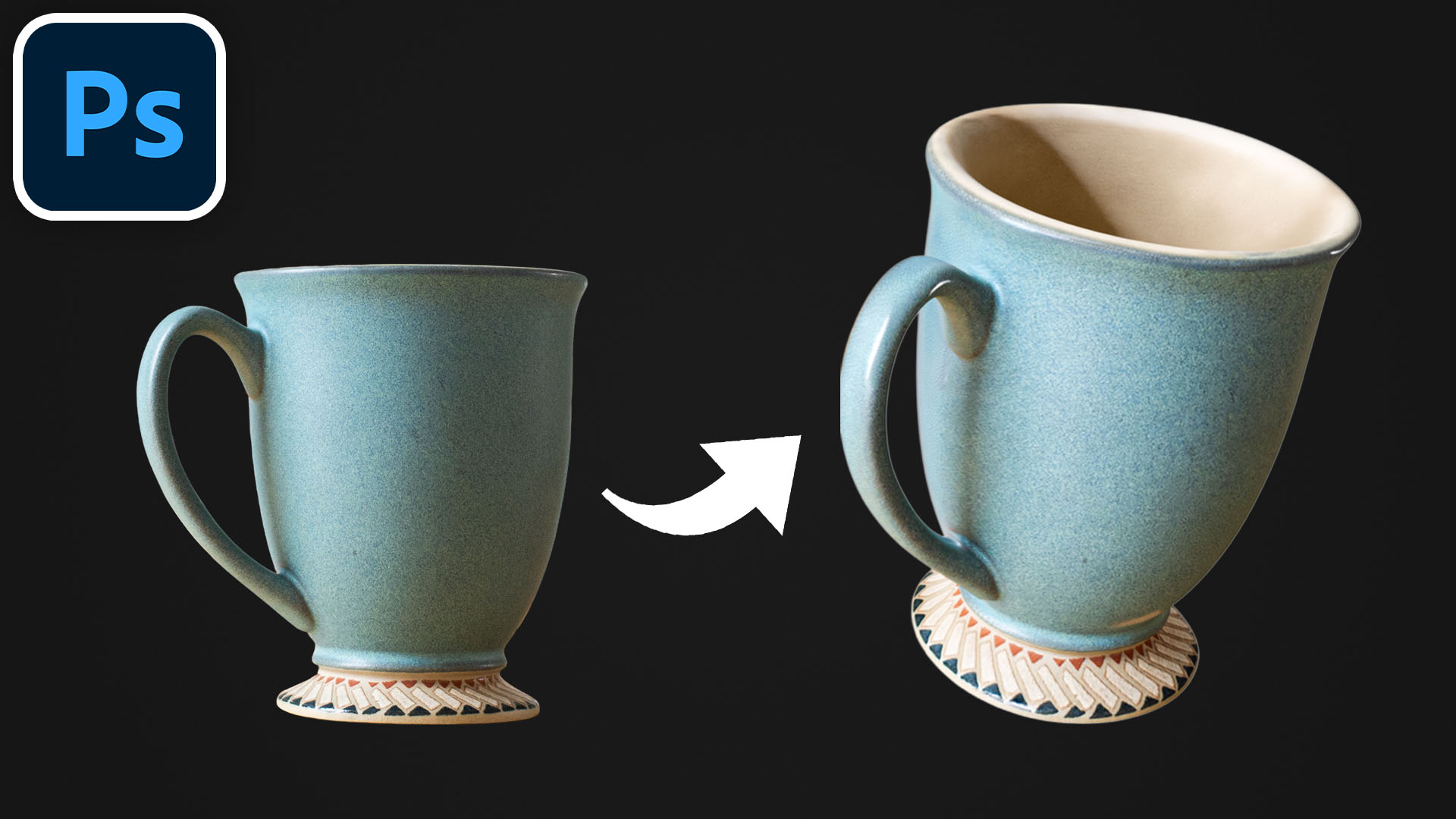
(NEW!) Rotate Objects in 3D | Photoshop
In the April 2026 update, Photoshop got a new feature called Rotate Object, that allows you to turn a pixel layer into a rotatable 3D object.
(NEW!) One Click to Select Objects | After Effects
You can now select and mask objects in one click in After Effects using a new tool called Object Matte.
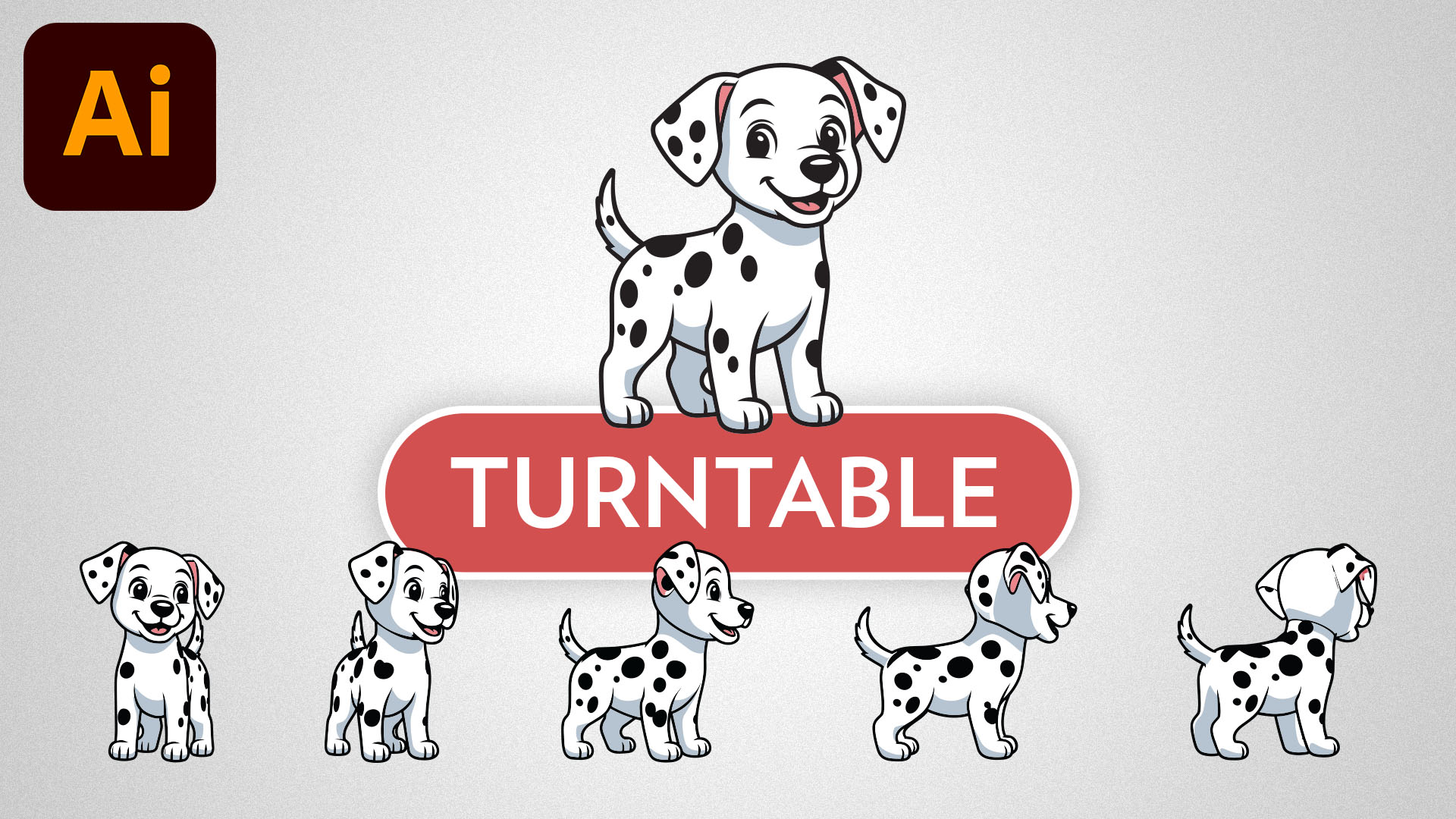
Rotate 2D Objects in 3D Space (Turntable) | Adobe Illustrator
You can now rotate vector objects in 3D using a new Illustrator feature called Turntable.
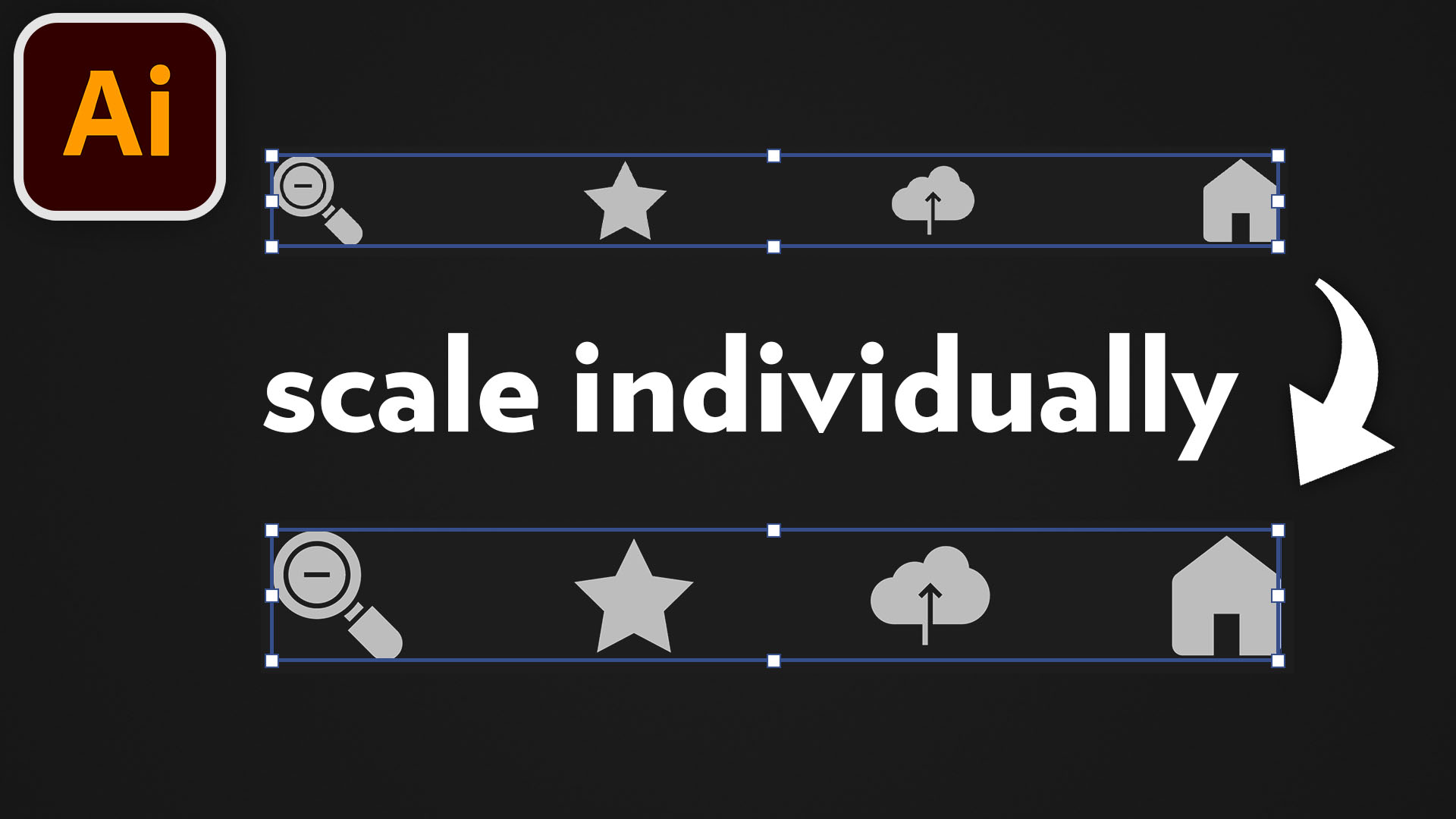
Scale Multiple Objects Individually (SOLVED!) | Adobe Illustrator
Problem: you're trying to scale objects individually in Illustrator, but they're scaling as one group. Solution: watch this video :)
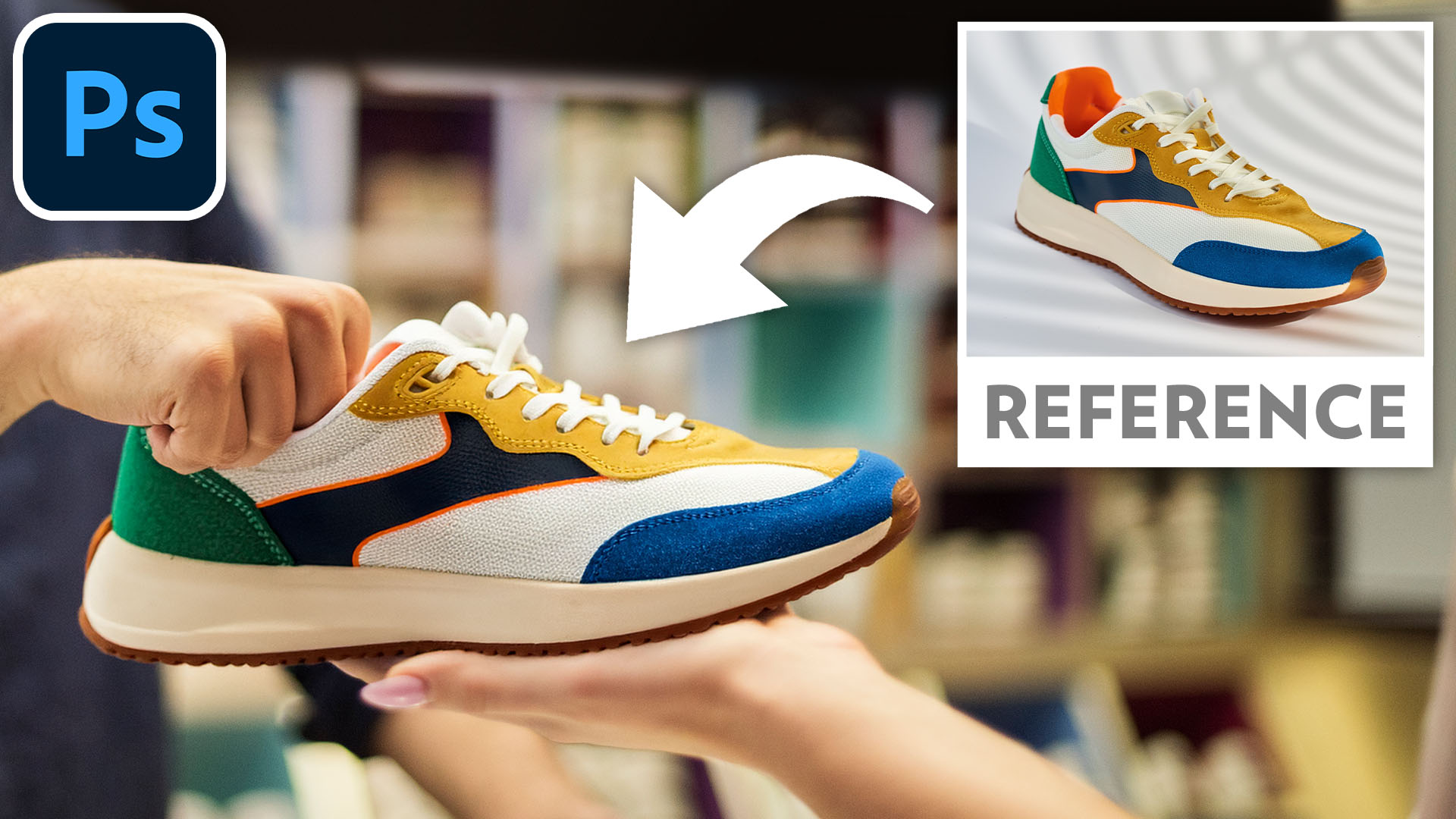
Use a Reference Image to Add or Replace Objects | Photoshop
Master Photoshop’s new Reference Image feature to gain precise control over your Generative Fill results by using existing photos as a visual guide.
Layers Panel Thumbnails Showing the Whole Canvas (SOLVED!) | Photoshop
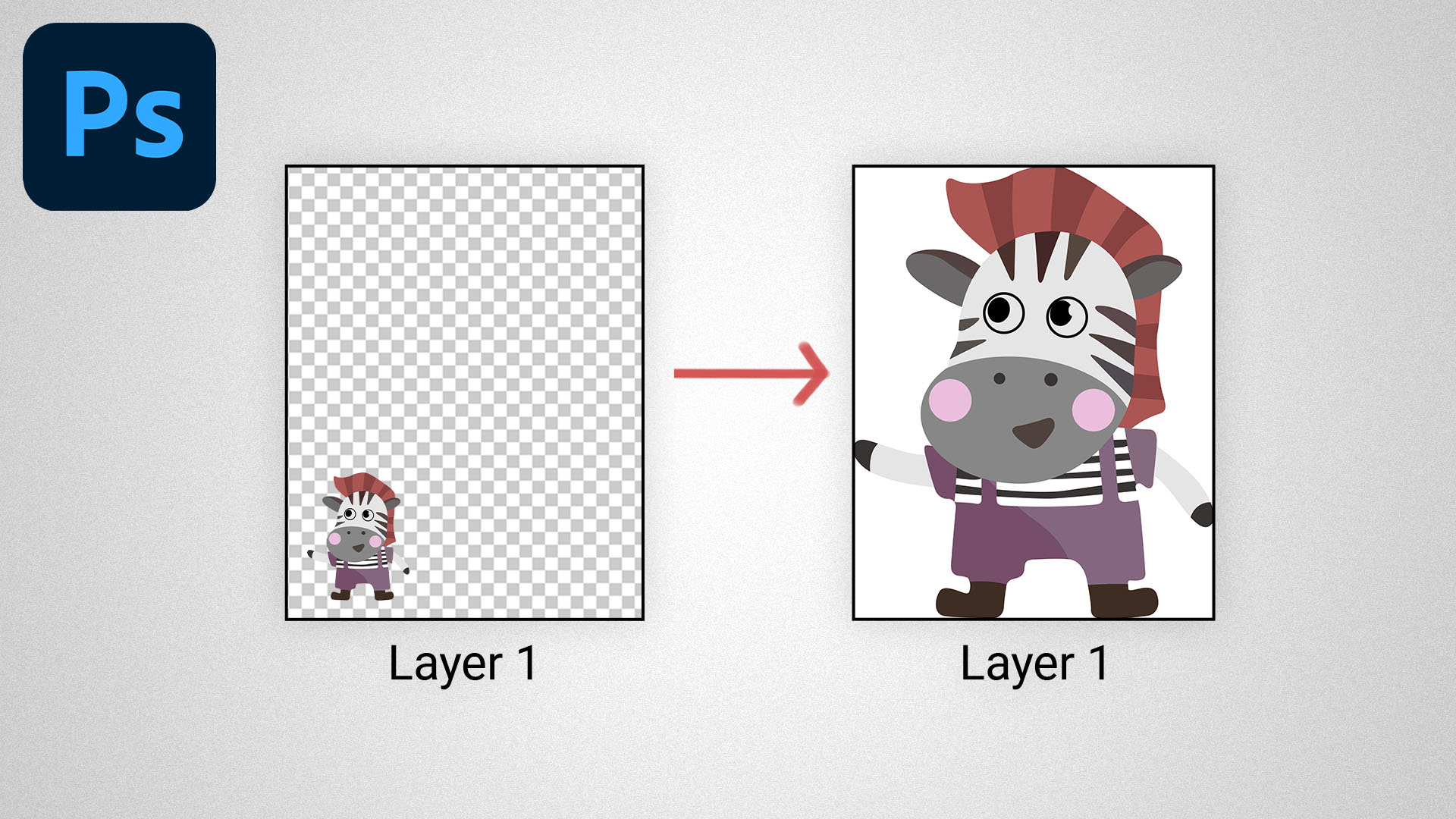
Problem: you're using the Layers Panel in Photoshop, but the image thumbnails are showing the whole canvas instead of the layer bounds. Solution: watch this video :)
One Click to Select and Mask Objects | Premiere
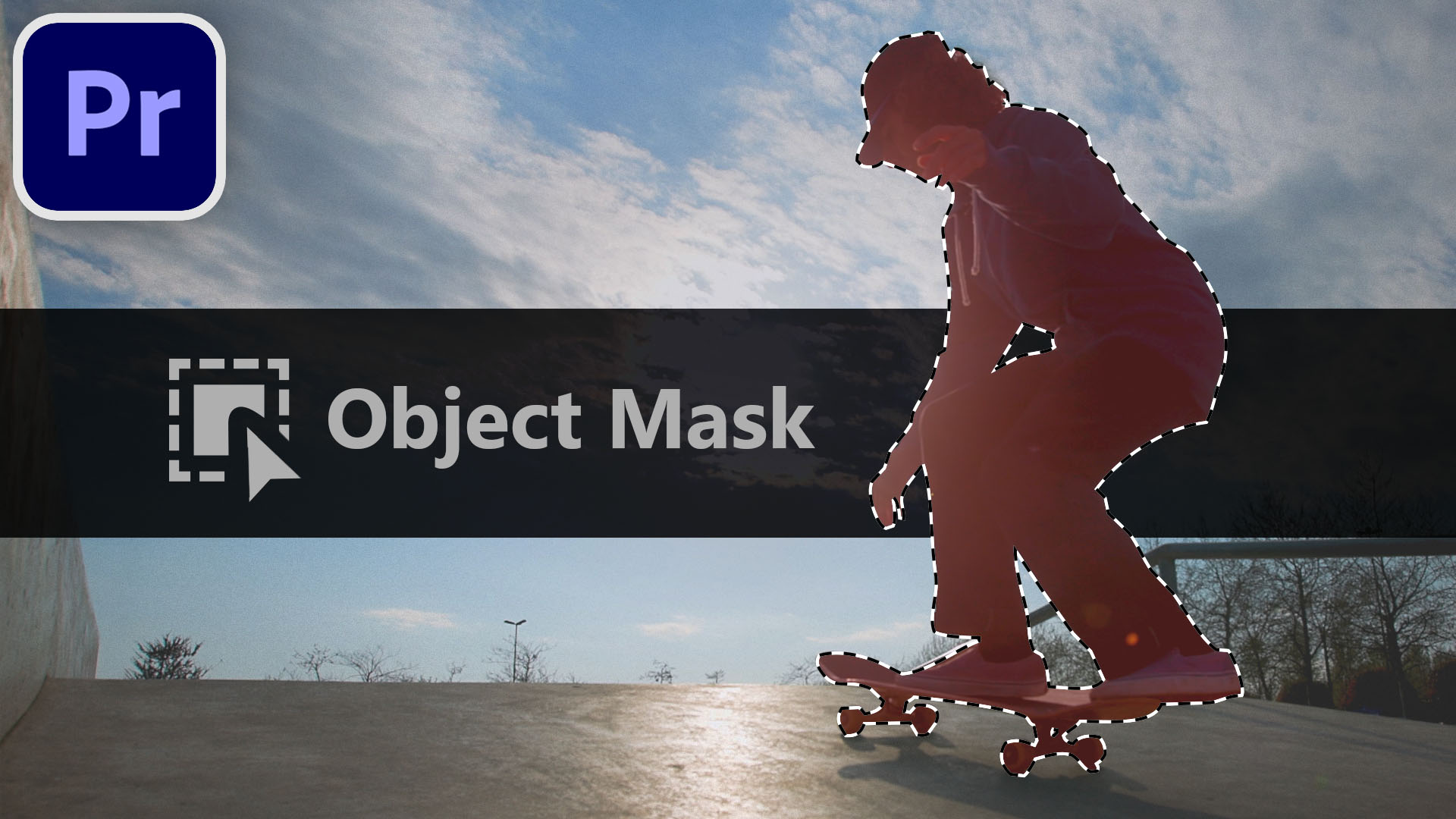
In the January 2026 release of Adobe Premiere, we got a new feature that makes selecting objects extremely easy.
Masking Tools Disappeared (SOLVED!) | Premiere
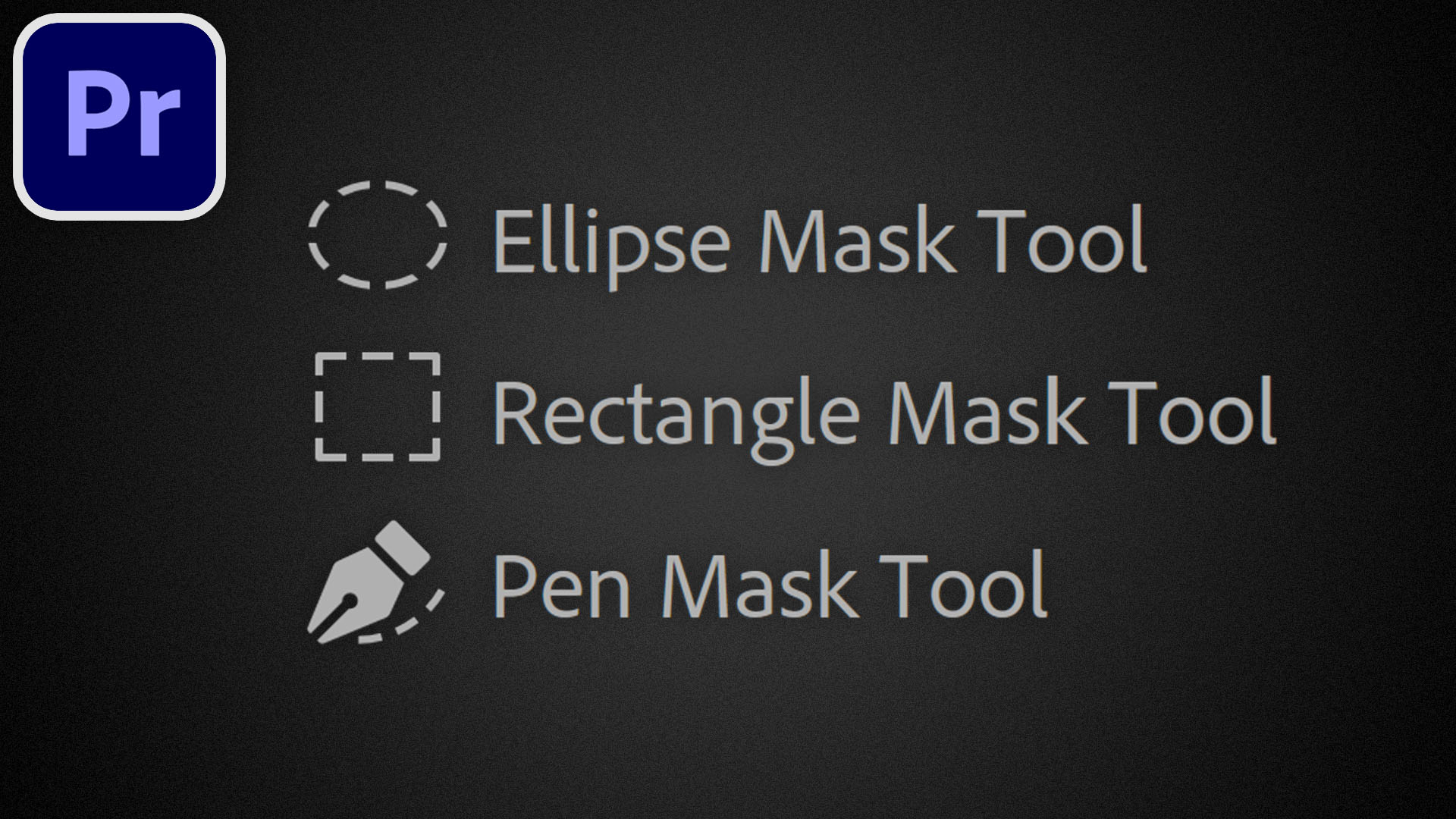
Problem: you're trying to create a mask in Premiere, but the masking tools have disappeared. Solution: watch this video :)
Playhead Automatically Selecting Clips (SOLVED!) | Premiere
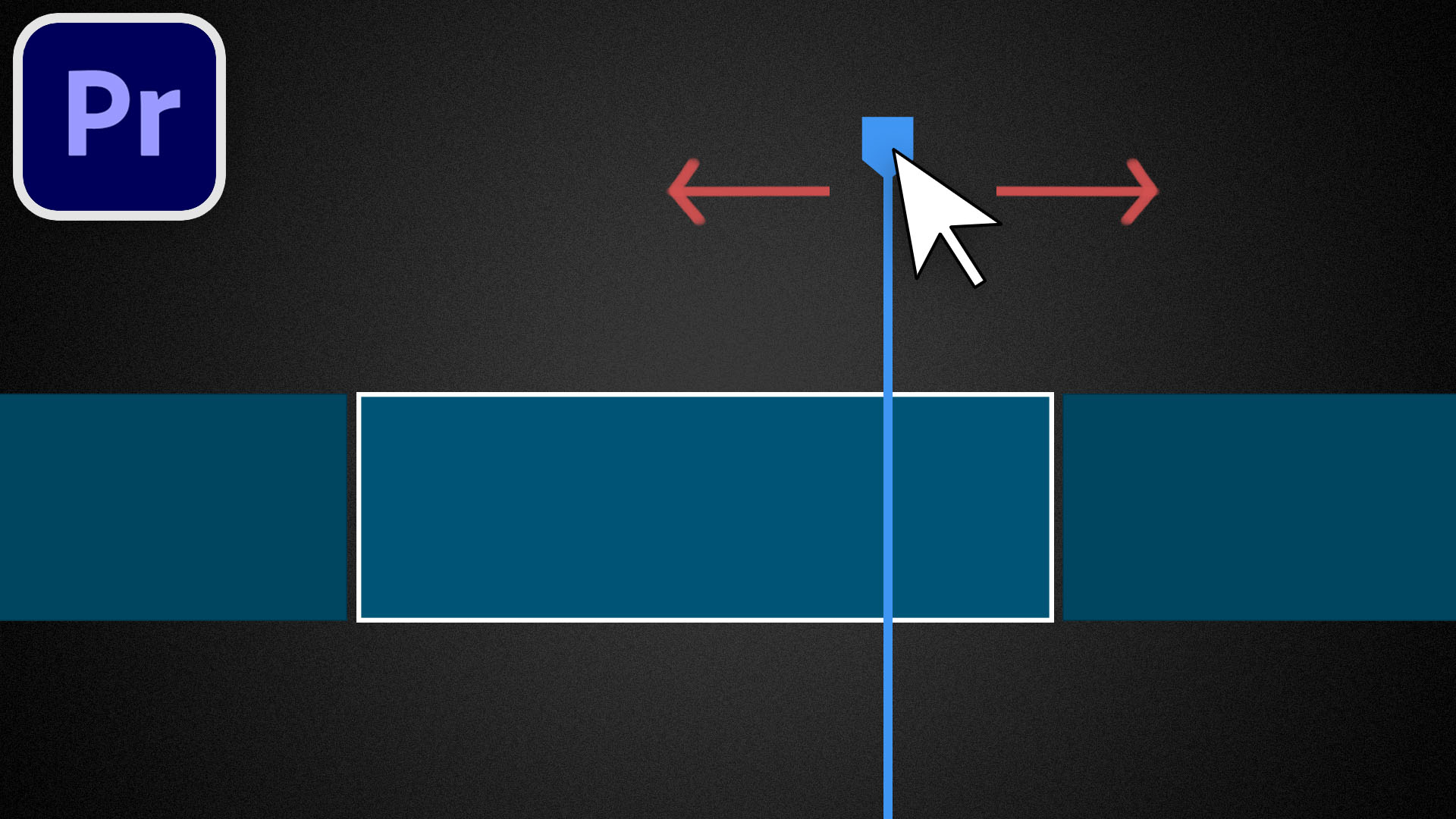
Problem: you're moving the playhead in Premiere Pro, but it’s automatically selecting the clips on the timeline. Solution: watch this video :)
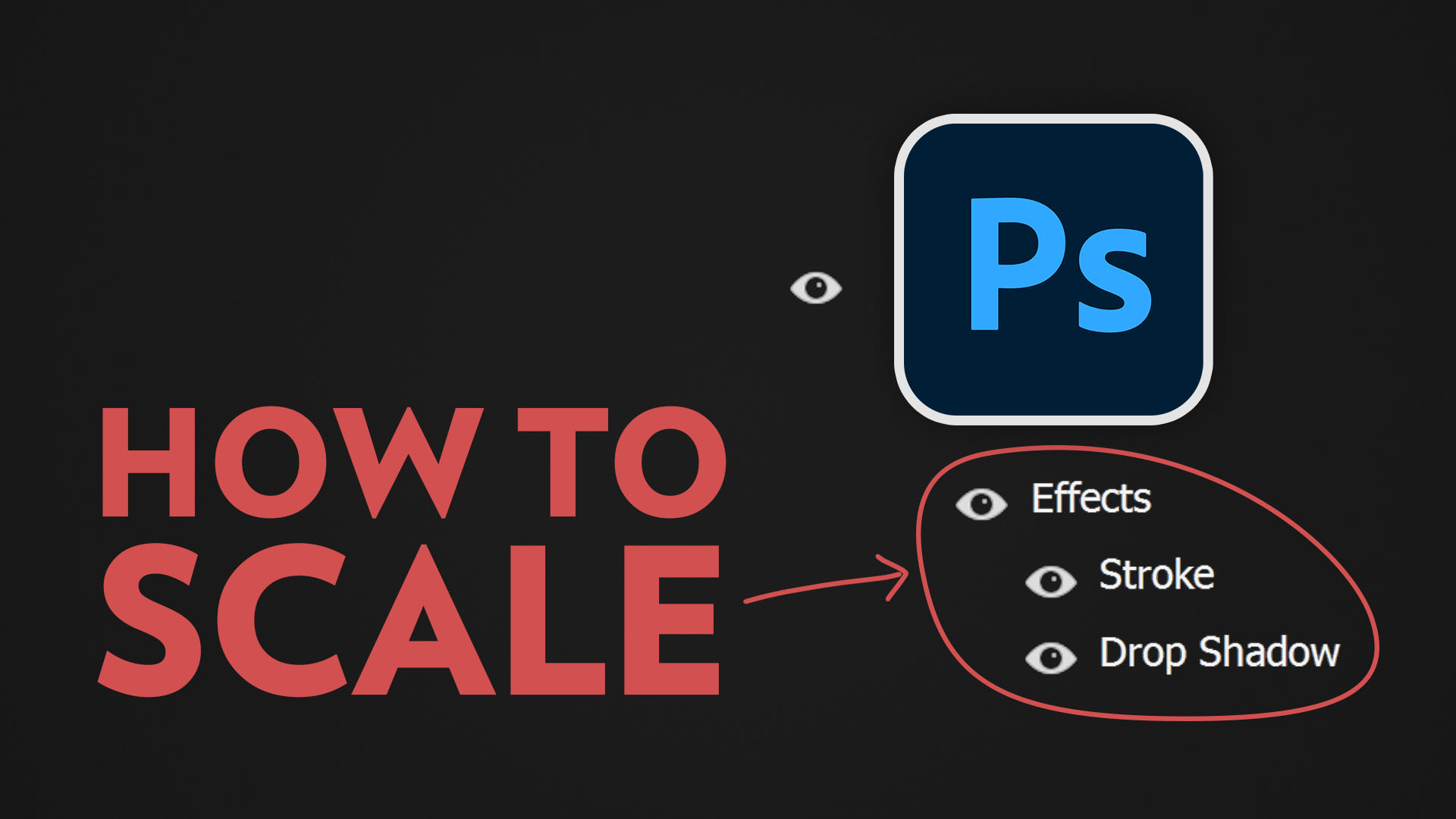
Layer Styles / Effects Not Scaling Properly (SOLVED!) | Photoshop
Problem: you're trying to scale a layer that has some layer styles / effects applied to it. But these effects are not scaling with the layer. Solution: watch this video :)
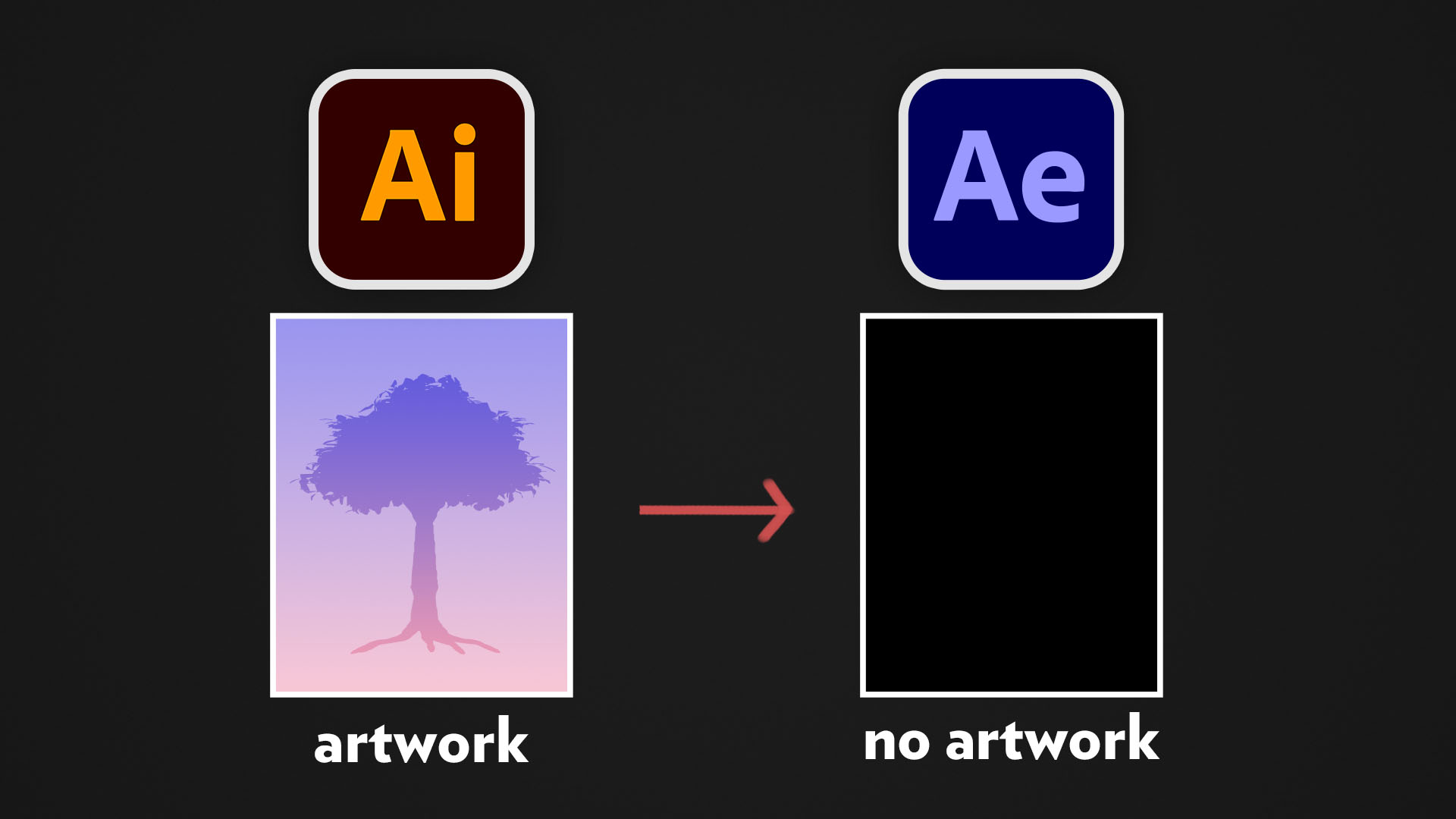
Can't Import Illustrator File (SOLVED!) | After Effects
Problem: you're trying to import an Illustrator file into After Effects, but the artwork is not showing up. Solution: watch this video :)
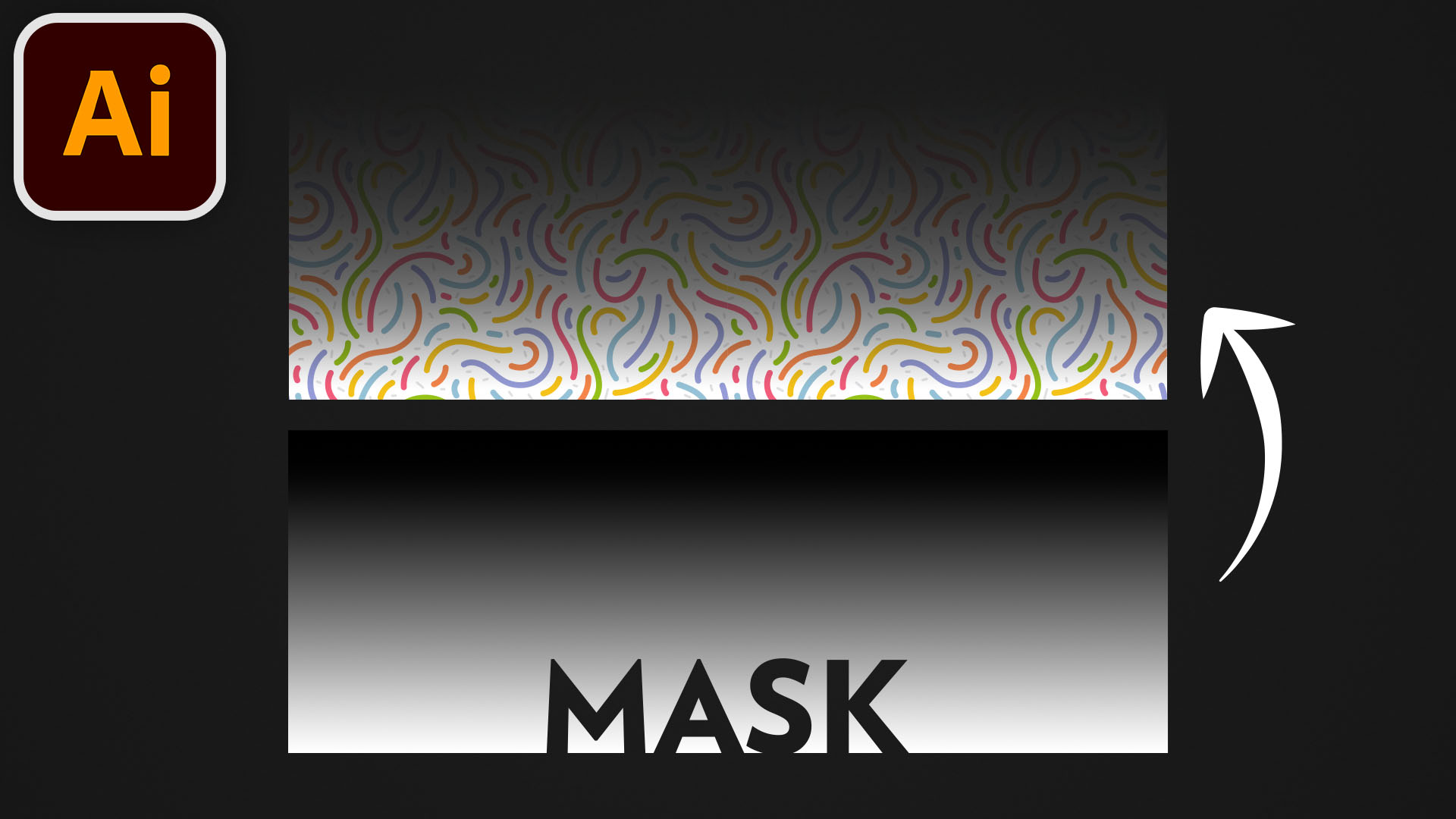
Opacity Masks | Adobe Illustrator
In Illustrator, you can use a masking object to control the transparency of another object. This is called an Opacity Mask, and we'll learn about it in this video.
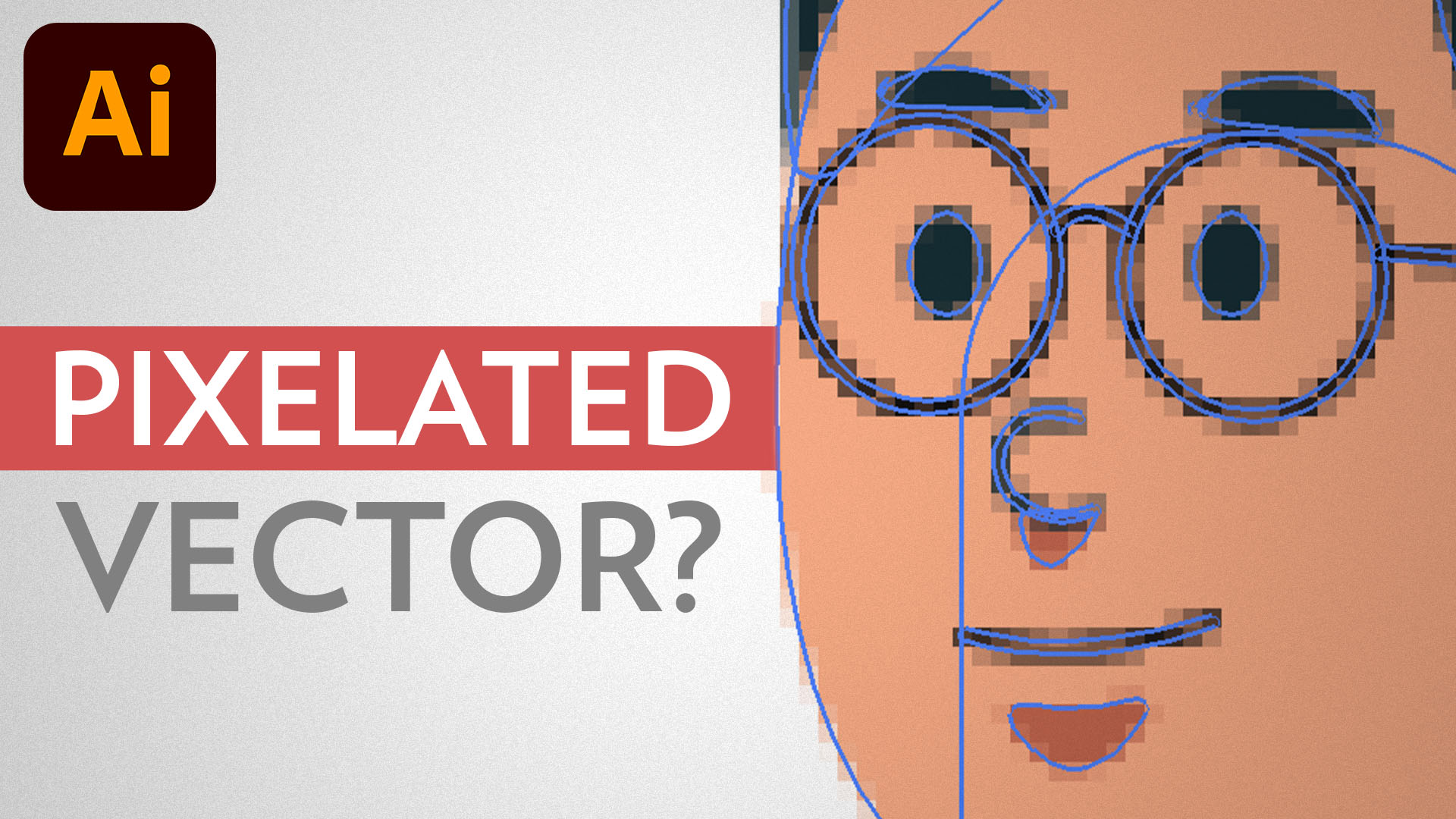
Blurry / Pixelated Vector Shapes and Text (SOLVED!) | Adobe Illustrator
Problem: you're working with vector shapes and text in Illustrator, but they all look blurry and pixelated. Solution: watch this video :)
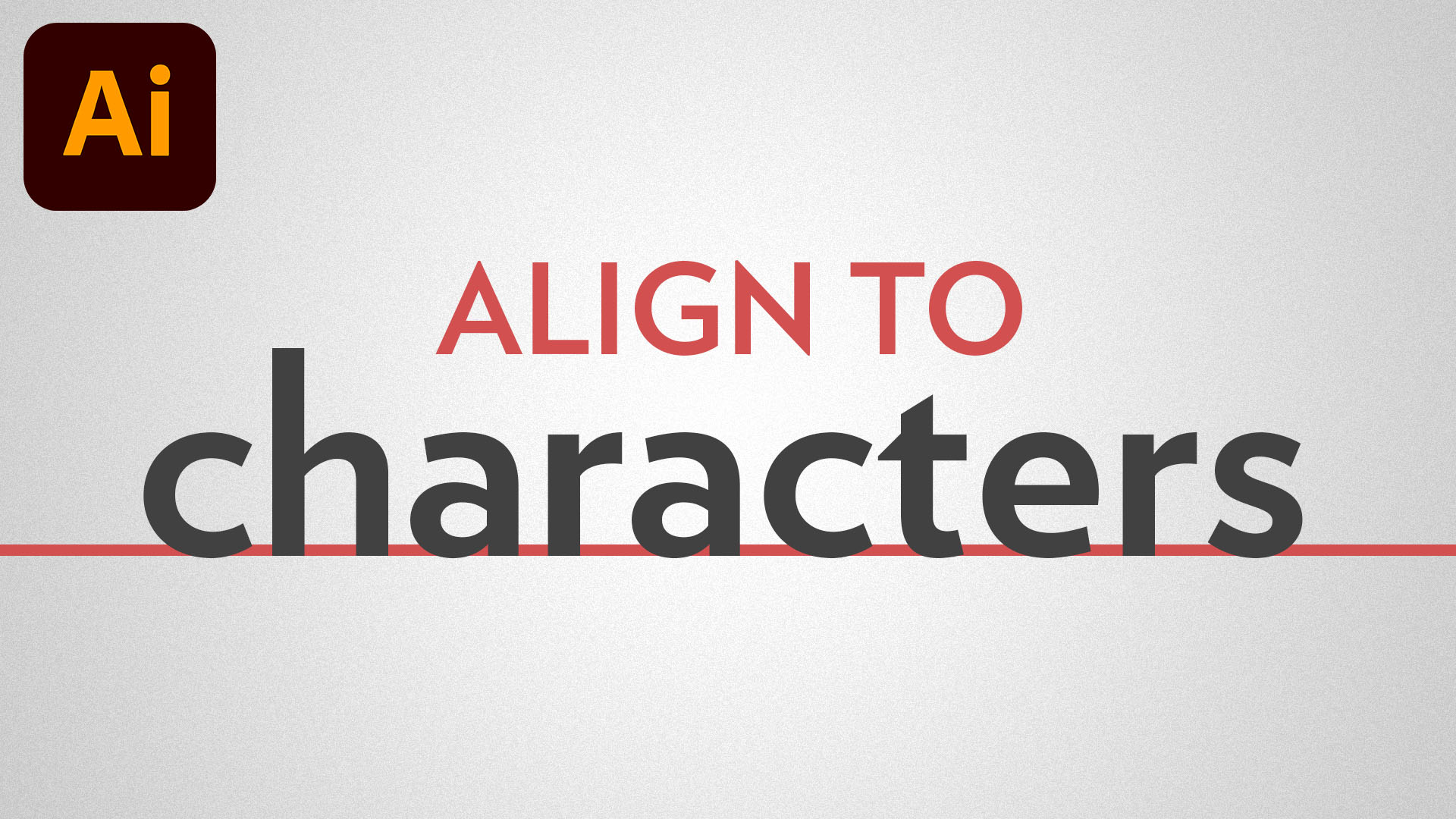
Text Not Aligned Correctly (SOLVED!) | Adobe Illustrator
Problem: you're trying to align a text to something else. But instead of aligning the characters, Illustrator is aligning the text box itself. Solution: watch this video :)
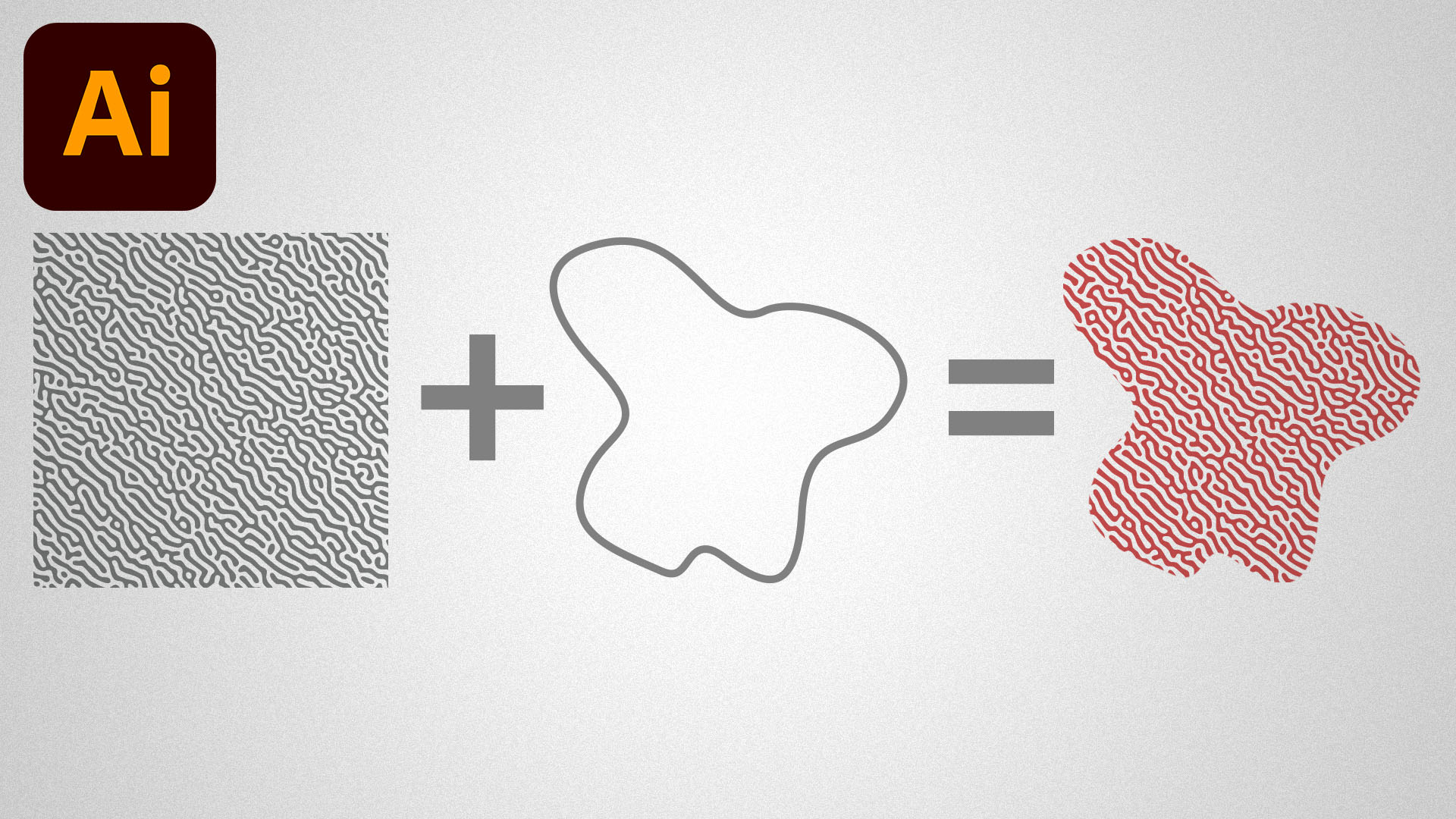
Clipping Masks | Adobe Illustrator
Masking in Illustrator is one of the most fundamental techniques for professional artwork editing.
Subscribe. Do it now.
Don't you want a monthly email that contains all the latest posts and maybe some exclusive content? Oh you do? Yeah? THEN SUBSCRIBE ALREADY!
One more step. Check your email to confirm your subscription. NOW!
Something went wrong. Keep trying until you get it right. I believe in you.